
Business Intelligence (BI) in Python, OLAP

Overview

Open Mining

Build Status - Circle CI https://coveralls.io/repos/github/mining/mining/badge.svg?branch=master Code Health

OpenMining

Business Intelligence (BI) Application Server written in Python

Requirements

  • Python 2.7 (Backend)
  • Lua 5.2 or LuaJIT 5.1 (OML backend)
  • MongoDB (Admin)
  • Redis (Queue and DataWarehouse)
  • Bower (Install frontend libs, NodeJS depends)

Install dependencies

$ sudo apt-get install mongodb-10gen redis-server nodejs nodejs-dev npm
$ npm install bower

If you use Mac OSX you can install all dependencies using HomeBrew.

Install Open Mining

Clone the repository

$ git clone [email protected]:mining/mining.git

Install python and bower dependencies using make command

$ make build

FAQ

If mongodb or redis-server problems

Install mongodb and redis-server, make sure it running

Supported databases

For example, to connect to a PostgreSQL database make sure you install a driver like psycopg2. OpenMining supports all databases that the underlying ORM SQLAlchemy supports.

See the SQLAlchemy documentation for more info about drivers and connection strings.

Run

python manage.py runserver
python manage.py celery
python manage.py scheduler

Running Demo

Make sure runserver still running when run 'build_demo' command.

python manage.py runserver
python manage.py build_demo

And now you can login with: username 'admin' and password 'admin'.

Screenshots

Dashboard OpenMining
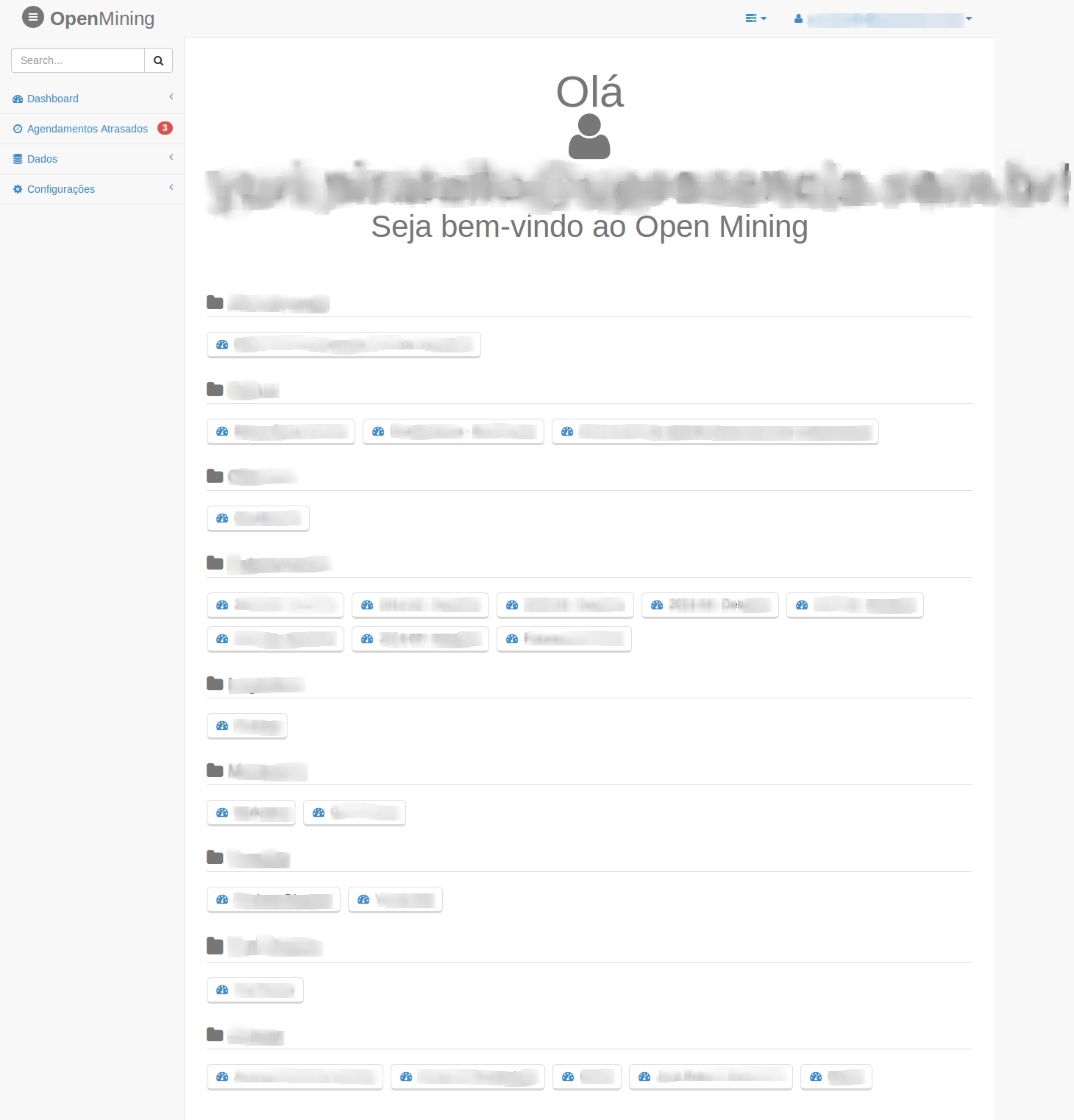
Dashboard OpenMining

Dashboard Charts OpenMining
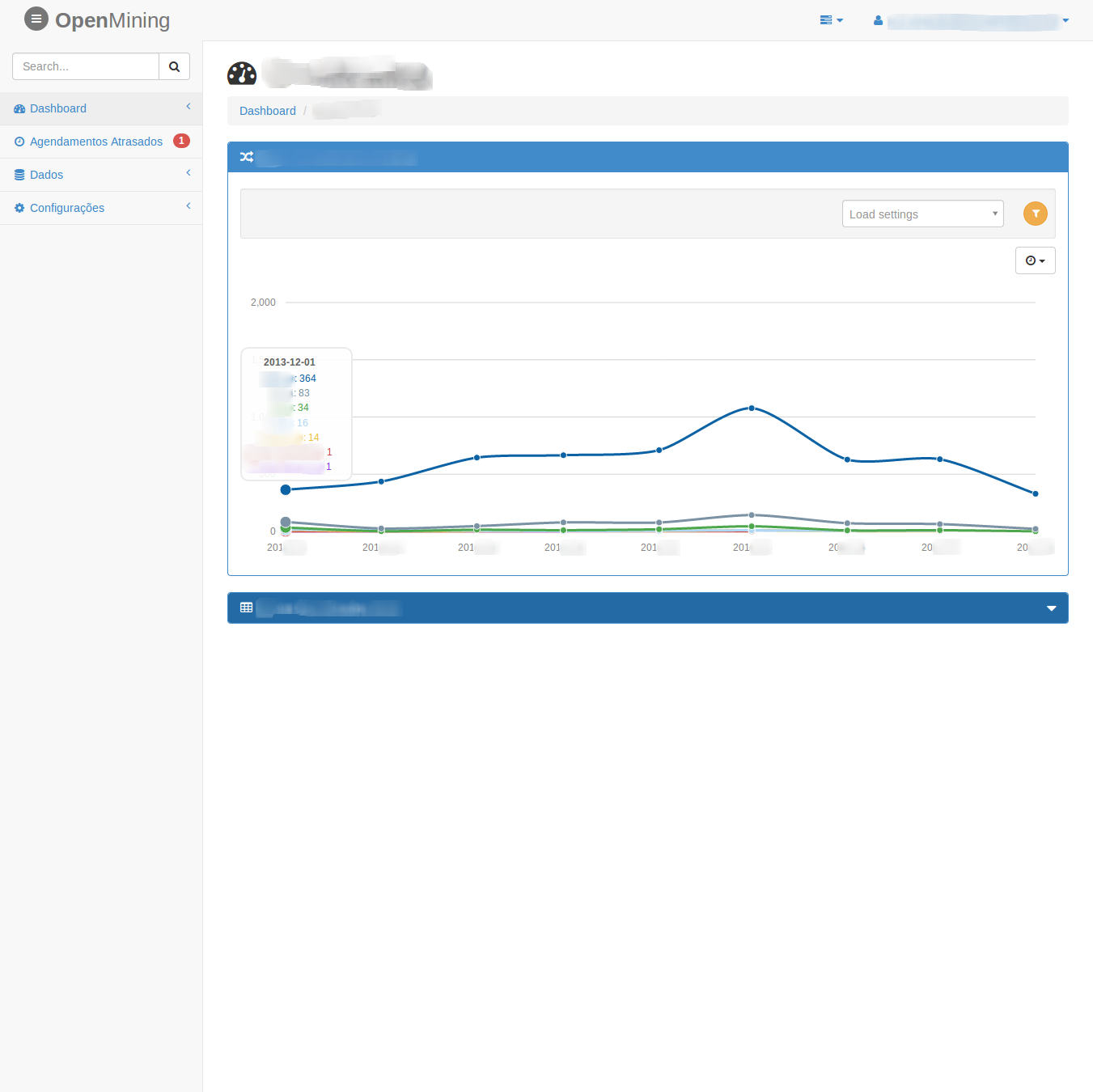
Dashboard Charts OpenMining
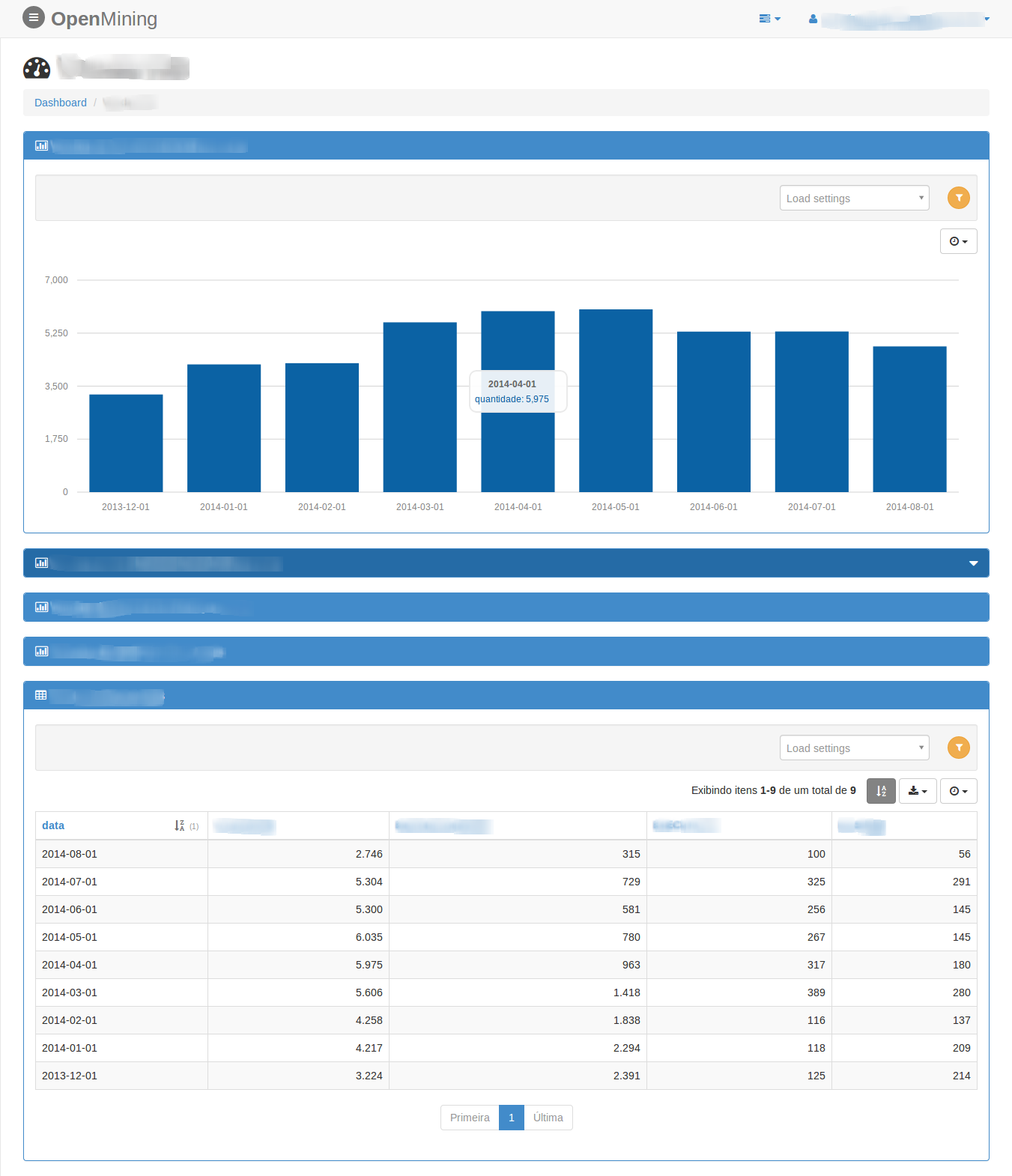
Dashboard Charts OpenMining

Dashboard Charts OpenMining

Dashboard Widgets OpenMining
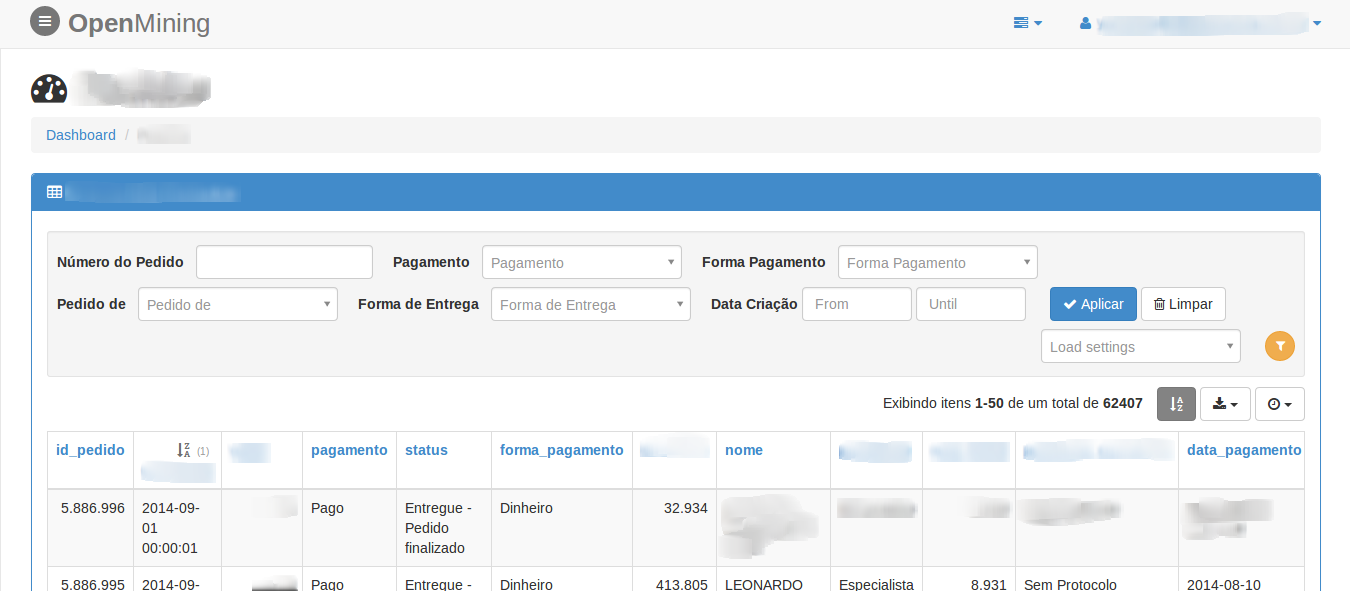
Dashboard Widgets OpenMining

Late Scheduler and running Cubes OpenMining
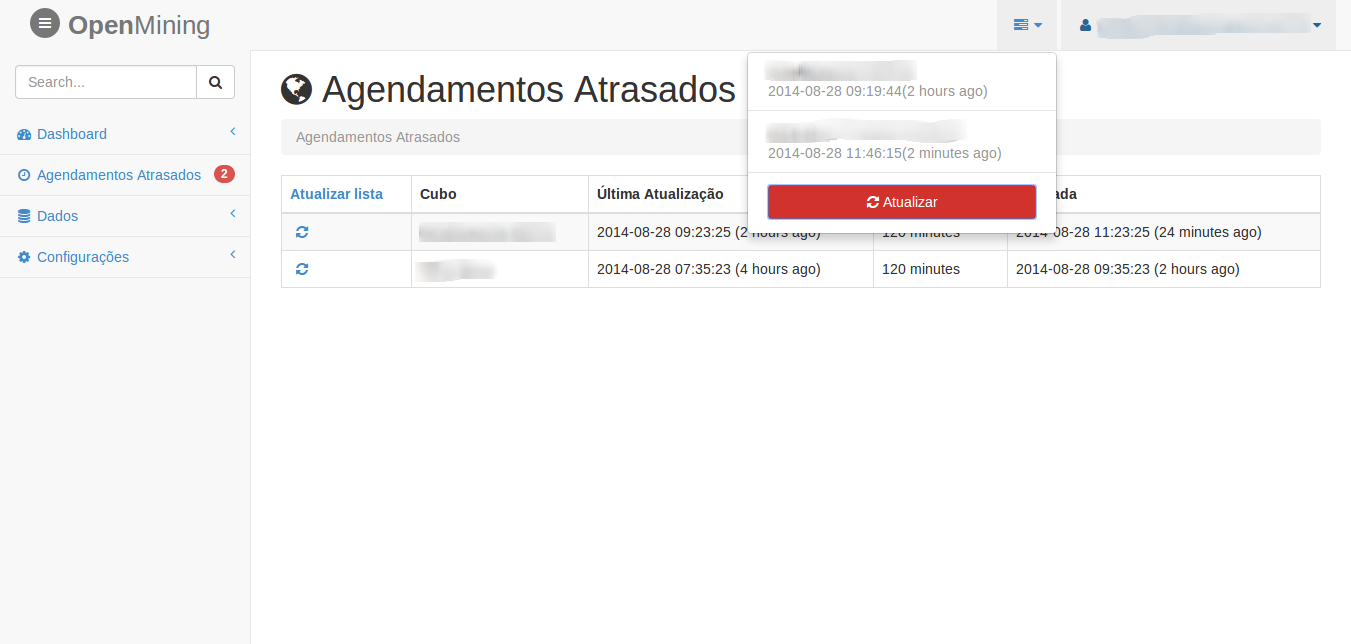
Late Scheduler and running Cubes OpenMining

Contribute

Join us on IRC at #openmining on freenode (web access).

Credits

Authors: Avelino and UP! Essência

Many thanks to all the contributors!

License

Licensed under the MIT license (see the (LICENSE file).

Comments
  • bower install error: bower angular-ui-select2-sortable#~0.0.2

    bower install error: bower angular-ui-select2-sortable#~0.0.2

    bower angular-ui-select2-sortable#~0.0.2 EMALFORMED Failed to read /var/folders/r2/zjhxzwfx01gctj5bvnk3qw3w0000gn/T/leroy/bower/angular-ui-select2-sortable-60805-yH6IkR/bower.json

    opened by lerrua 10
  • mining.ini within installed package

    mining.ini within installed package

    When build the mining for production, it doesn't copy the mining.ini file within the package.

    Suggestions:

    • Under setup(), include a static session "data_files" and add "mining.ini" to this.
    • A different default place for the conf files for production installs, that doesn't depend from PROJECT_PATH variable
    • Other?
    opened by ayr-ton 4
  • MS Sql server not connect

    MS Sql server not connect

    File "/usr/local/lib/python2.7/dist-packages/sqlalchemy/dialects/mssql/pymssql.py", line 72, in _get_server_version_info r"Microsoft SQL Server.*? - (\d+).(\d+).(\d+).(\d+)", vers) File "/usr/lib/python2.7/re.py", line 137, in match return _compile(pattern, flags).match(string) TypeError: expected string or buffer

    bug enhancement 
    opened by abuvanth 3
  • fatal error: Python.h: No such file or directory

    fatal error: Python.h: No such file or directory

    when i run make build shows

    mining/utils/_pandas.c:4:20: fatal error: Python.h: No such file or directory
     #include "Python.h"
                        ^
    compilation terminated.
    error: command 'gcc' failed with exit status 1
    make: *** [environment] Error 1
    

    what is meaning?

    opened by Susheldon 2
  • [WIP] Configure Dockerfile and docker-compose.yml

    [WIP] Configure Dockerfile and docker-compose.yml

    This is a work in progress

    I'm working on docker configuration of mining project. I used the Makefile as guide for building steps. We can't just RUN Makefile because that way Docker is unable to cache each step of building.

    I stumbled in some issues:

    • [ ] Two different ways of building the project (Makefile and Dockerfile)
    • [ ] Every time the code is changed setup.py will run again, which turn the development dull
    • [ ] python manage.py build_demo is not working
    • [ ] Add docker instructions in README

    Any idea how to solve this problems?

    I saw there is a separate repo for Dockerfile. Maybe I need to make this PR there?

    opened by gbmoretti 2
  • No such file or directory: 'mining/bin/demo/base.sql' on running build_demo command

    No such file or directory: 'mining/bin/demo/base.sql' on running build_demo command

    Guys,

    After following a first installation step-by-step I'm getting this error on running build_demo command.

    $ python manage.py build_demo
    OpenMining load demo system
    Traceback (most recent call last):
      File "manage.py", line 118, in <module>
        cmds(default_map=default_map)
      File "/Users/leroy/.virtualenvs/mining/lib/python2.7/site-packages/click/core.py", line 610, in __call__
        return self.main(*args, **kwargs)
      File "/Users/leroy/.virtualenvs/mining/lib/python2.7/site-packages/click/core.py", line 590, in main
        rv = self.invoke(ctx)
      File "/Users/leroy/.virtualenvs/mining/lib/python2.7/site-packages/click/core.py", line 936, in invoke
        return _process_result(sub_ctx.command.invoke(sub_ctx))
      File "/Users/leroy/.virtualenvs/mining/lib/python2.7/site-packages/click/core.py", line 782, in invoke
        return ctx.invoke(self.callback, **ctx.params)
      File "/Users/leroy/.virtualenvs/mining/lib/python2.7/site-packages/click/core.py", line 416, in invoke
        return callback(*args, **kwargs)
      File "manage.py", line 112, in build_demo
        build(level)
      File "/Users/leroy/.virtualenvs/mining/lib/python2.7/site-packages/mining-0.2.0-py2.7-macosx-10.10-x86_64.egg/mining/bin/demo/build_admin.py", line 18, in build
        f = open('{}'.format(os.path.join(demo_path, 'base.sql')), 'r')
    IOError: [Errno 2] No such file or directory: '/Users/leroy/.virtualenvs/mining/lib/python2.7/site-packages/mining-0.2.0-py2.7-macosx-10.10-x86_64.egg/mining/bin/demo/base.sql'
    
    opened by lerrua 2
  • Remove use of the frontend

    Remove use of the frontend

    The Open Mining will have "N" interface, we need to remove the mandatory use of the frontend and the installer put an option to select the front-end will be used.

    feature backend 
    opened by avelino 2
  • Export to xls big data

    Export to xls big data

    Traceback (most recent call last):
      File "/home/mining/.virtualenvs/mining/local/lib/python2.7/site-packages/bottle.py", line 862, in _handle
        return route.call(**args)
      File "/home/mining/.virtualenvs/mining/local/lib/python2.7/site-packages/bottle_mongo.py", line 160, in wrapper
        rv = callback(*a, **ka)
      File "/home/mining/mining/controllers/export.py", line 72, in data
        df.to_excel(file_name)
      File "/home/mining/.virtualenvs/mining/local/lib/python2.7/site-packages/pandas/core/frame.py", line 1204, in to_excel
        startrow=startrow, startcol=startcol)
      File "/home/mining/.virtualenvs/mining/local/lib/python2.7/site-packages/pandas/io/excel.py", line 653, in write_cells
        val, style)
      File "/home/mining/.virtualenvs/mining/local/lib/python2.7/site-packages/xlwt/Worksheet.py", line 1030, in write
        self.row(r).write(c, label, style)
      File "/home/mining/.virtualenvs/mining/local/lib/python2.7/site-packages/xlwt/Worksheet.py", line 1078, in row
        self.__rows[indx] = self.Row(indx, self)
      File "/home/mining/.virtualenvs/mining/local/lib/python2.7/site-packages/xlwt/Row.py", line 42, in __init__
        raise ValueError("row index (%r) not an int in range(65536)" % rowx)
    ValueError: row index (65536) not an int in range(65536)
    
    bug frontend 
    opened by yuripiratello 2
  • python manage.py runserver

    python manage.py runserver

    Traceback (most recent call last): File "manage.py", line 24, in from mining.bin.scheduler import scheduler_app File "D:\Python27\Lib\site-packages\gevent\builtins.py", line 93, in import result = import(*args, **kwargs) File "C:\Users\Documents\Visual Studio 2012\Projects\PythonProject\mining\mining\bin\scheduler.py", line 13, in log_it("START", "bin-scheduler") File "C:\Users\Documents\Visual Studio 2012\Projects\PythonProject\mining\mining\utils_init.py", line 50, in log_it with open("/tmp/openmining-{}.log".format(name), "a") as log:IOError: [Errno 2] No such file or directory: '/tmp/openmining-bin-scheduler.log

    opened by MORYis 0
  • Installation error: IOError: [Errno 2] No such file or directory: 'requirements.txt'

    Installation error: IOError: [Errno 2] No such file or directory: 'requirements.txt'

    Hi,

    I am trying to install it in Mac OS. And, I am getting error. Following are my command line readings:

    pip install mining Collecting mining Using cached https://files.pythonhosted.org/packages/7a/b6/8288426c4aa010222619105c3649b31a7814dde17f4d5383a29046d24a10/mining-0.2.0.tar.gz Complete output from command python setup.py egg_info: Traceback (most recent call last): File "", line 1, in File "/private/var/folders/rz/vcghnnsn59q032827bpqnvvm0000gn/T/pip-install-oiZray/mining/setup.py", line 7, in REQUIREMENTS = [i.strip() for i in open("requirements.txt").readlines() IOError: [Errno 2] No such file or directory: 'requirements.txt'

    ----------------------------------------
    

    Command "python setup.py egg_info" failed with error code 1 in /private/var/folders/rz/vcghnnsn59q032827bpqnvvm0000gn/T/pip-install-oiZray/mining/

    Please help.

    Regards

    opened by MiCodes2 3
  • Firefox can’t establish a connection to the server at 0.0.0.0:8888

    Firefox can’t establish a connection to the server at 0.0.0.0:8888

    [email protected]:~/work/mining# docker run 10f825960da2
    OpenMining start server at: 0.0.0.0:8888
    OpenMining start server at: 0.0.0.0:8888
    Bottle v0.12.7 server starting up (using GeventWebSocketServer())...
    Listening on http://0.0.0.0:8888/
    Hit Ctrl-C to quit.
    

    But I can't open the url:

    Unable to connect
    
    Firefox can’t establish a connection to the server at 0.0.0.0:8888.
    
        The site could be temporarily unavailable or too busy. Try again in a few moments.
        If you are unable to load any pages, check your computer’s network connection.
        If your computer or network is protected by a firewall or proxy, make sure that Firefox is permitted to access the Web.
    
    bug 
    opened by gclsoft 1
Releases(0.2.2)
Owner
Open Mining
Business Intelligence (BI) in Python (Pandas web interface)
Open Mining
A Big Data ETL project in PySpark on the historical NYC Taxi Rides data

Processing NYC Taxi Data using PySpark ETL pipeline Description This is an project to extract, transform, and load large amount of data from NYC Taxi

Unnikrishnan 2 Dec 12, 2021
Important dataframe statistics with a single command

quick_eda Receiving dataframe statistics with one command Project description A python package for Data Scientists, Students, ML Engineers and anyone

Sven Eschlbeck 2 Dec 19, 2021
vartests is a Python library to perform some statistic tests to evaluate Value at Risk (VaR) Models

gg I wasn't satisfied with any of the other available Gemini clients, so I wrote my own. Requires Python 3.9 (maybe older, I haven't checked) and opti

RAFAEL RODRIGUES 5 Jan 03, 2023
My first Python project is a simple Mad Libs program.

Python CLI Mad Libs Game My first Python project is a simple Mad Libs program. Mad Libs is a phrasal template word game created by Leonard Stern and R

Carson Johnson 1 Dec 10, 2021
Very basic but functional Kakuro solver written in Python.

kakuro.py Very basic but functional Kakuro solver written in Python. It uses a reduction to exact set cover and Ali Assaf's elegant implementation of

Louis Abraham 4 Jan 15, 2022
Average time per match by division

HW_02 Unzip matches.rar to access .json files for matches. Get an API key to access their data at: https://developer.riotgames.com/ Average time per m

11 Jan 07, 2022
Python-based Space Physics Environment Data Analysis Software

pySPEDAS pySPEDAS is an implementation of the SPEDAS framework for Python. The Space Physics Environment Data Analysis Software (SPEDAS) framework is

SPEDAS 98 Dec 22, 2022
Project under the certification "Data Analysis with Python" on FreeCodeCamp

Sea Level Predictor Assignment You will anaylize a dataset of the global average sea level change since 1880. You will use the data to predict the sea

Bhavya Gopal 3 Jan 31, 2022
Package for decomposing EMG signals into motor unit firings, as used in Formento et al 2021.

EMGDecomp Package for decomposing EMG signals into motor unit firings, created for Formento et al 2021. Based heavily on Negro et al, 2016. Supports G

13 Nov 01, 2022
fds is a tool for Data Scientists made by DAGsHub to version control data and code at once.

Fast Data Science, AKA fds, is a CLI for Data Scientists to version control data and code at once, by conveniently wrapping git and dvc

DAGsHub 359 Dec 22, 2022
wikirepo is a Python package that provides a framework to easily source and leverage standardized Wikidata information

Python based Wikidata framework for easy dataframe extraction wikirepo is a Python package that provides a framework to easily source and leverage sta

Andrew Tavis McAllister 35 Jan 04, 2023
Stitch together Nanopore tiled amplicon data without polishing a reference

Stitch together Nanopore tiled amplicon data using a reference guided approach Tiled amplicon data, like those produced from primers designed with pri

Amanda Warr 14 Aug 30, 2022
Show you how to integrate Zeppelin with Airflow

Introduction This repository is to show you how to integrate Zeppelin with Airflow. The philosophy behind the ingtegration is to make the transition f

Jeff Zhang 11 Dec 30, 2022
Conduits - A Declarative Pipelining Tool For Pandas

Conduits - A Declarative Pipelining Tool For Pandas Traditional tools for declaring pipelines in Python suck. They are mostly imperative, and can some

Kale Miller 7 Nov 21, 2021
CPSPEC is an astrophysical data reduction software for timing

CPSPEC manual Introduction CPSPEC is an astrophysical data reduction software for timing. Various timing properties, such as power spectra and cross s

Tenyo Kawamura 1 Oct 20, 2021
Lale is a Python library for semi-automated data science.

Lale is a Python library for semi-automated data science. Lale makes it easy to automatically select algorithms and tune hyperparameters of pipelines that are compatible with scikit-learn, in a type-

International Business Machines 293 Dec 29, 2022
simple way to build the declarative and destributed data pipelines with python

unipipeline simple way to build the declarative and distributed data pipelines. Why you should use it Declarative strict config Scaffolding Fully type

aliaksandr-master 0 Jan 26, 2022
PyPDC is a Python package for calculating asymptotic Partial Directed Coherence estimations for brain connectivity analysis.

Python asymptotic Partial Directed Coherence and Directed Coherence estimation package for brain connectivity analysis. Free software: MIT license Doc

Heitor Baldo 3 Nov 26, 2022
High Dimensional Portfolio Selection with Cardinality Constraints

High-Dimensional Portfolio Selecton with Cardinality Constraints This repo contains code for perform proximal gradient descent to solve sample average

Du Jinhong 2 Mar 22, 2022