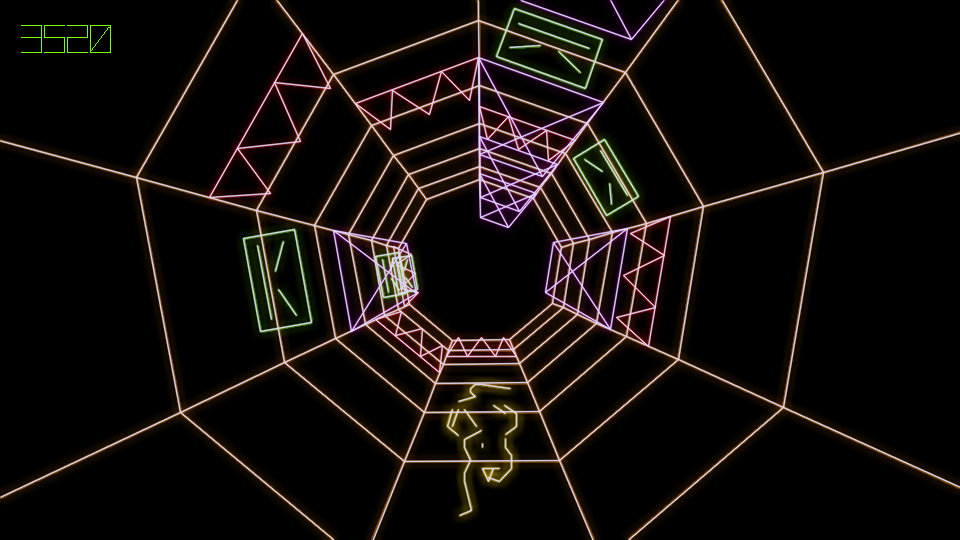
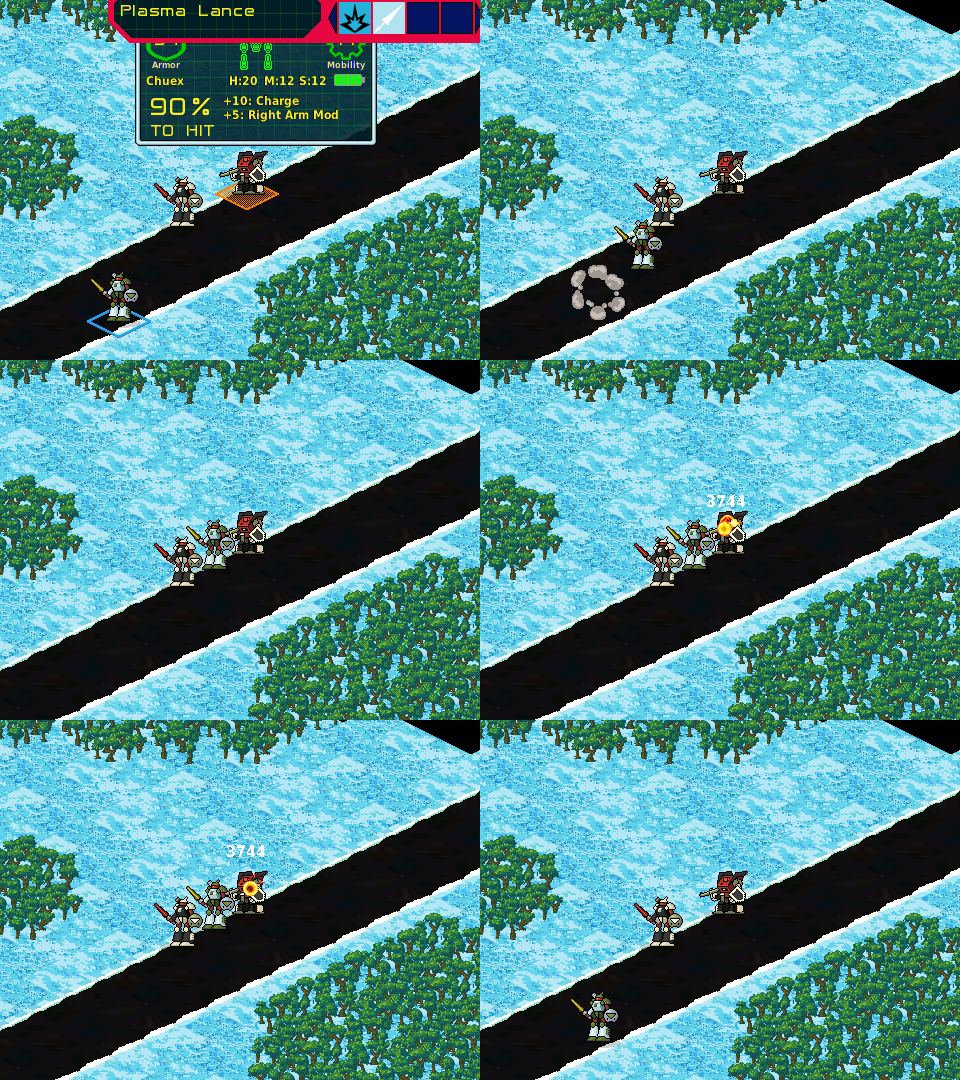
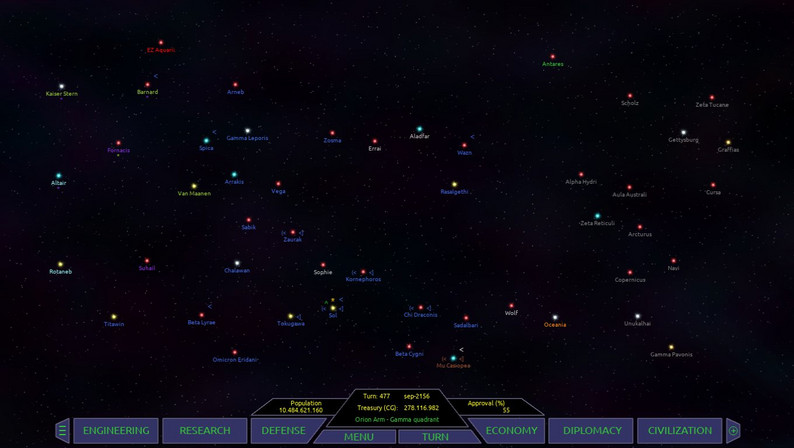
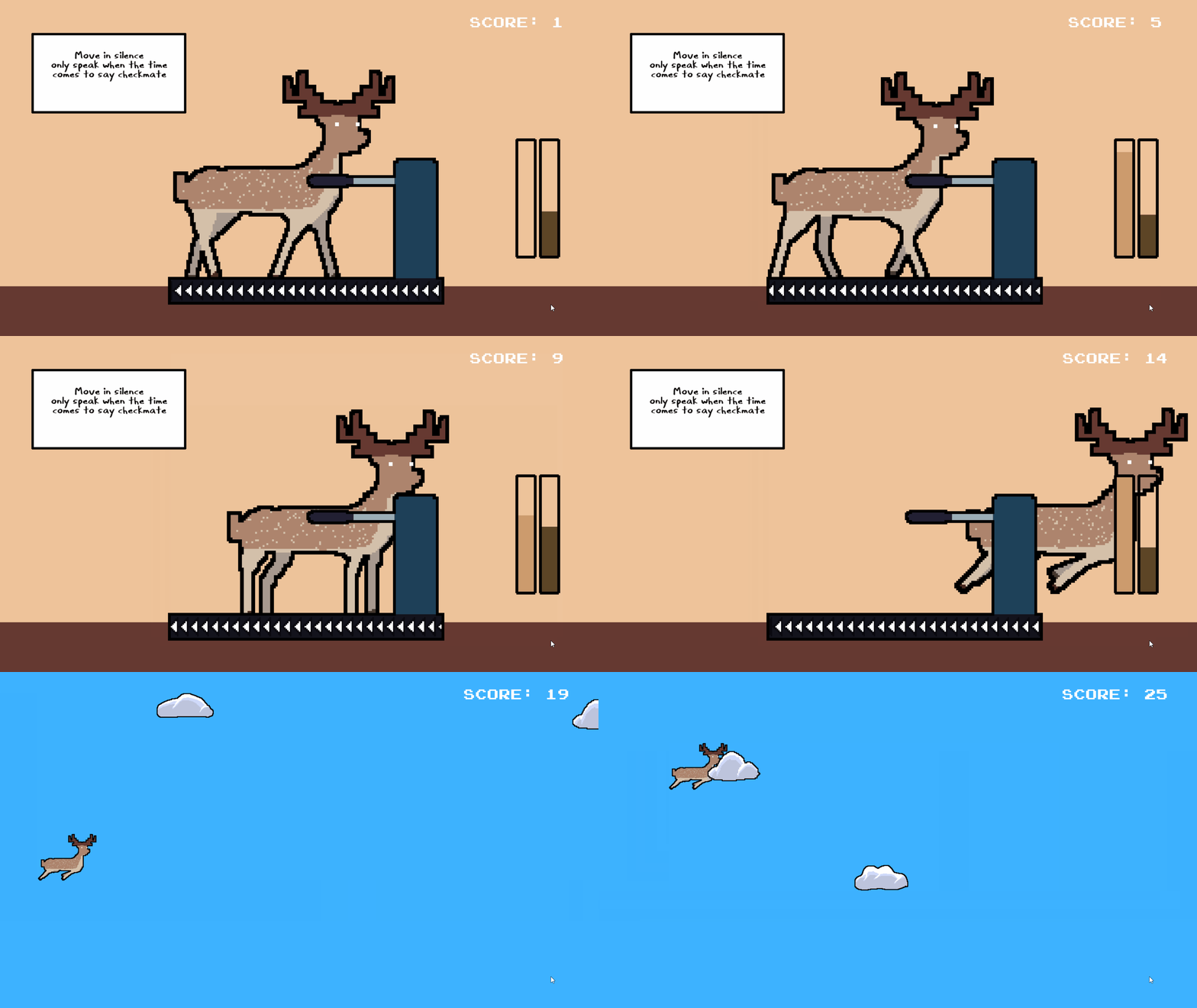
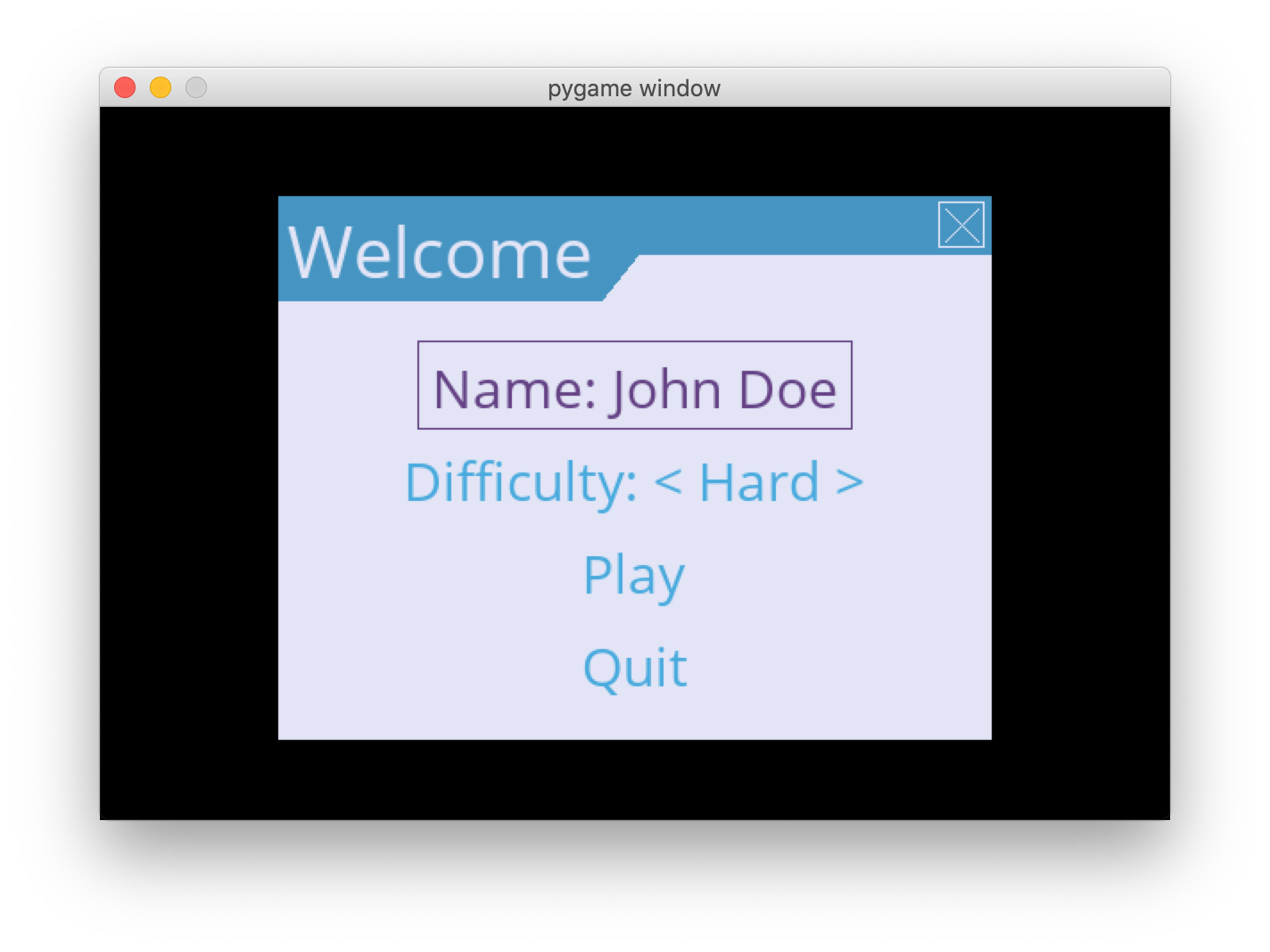
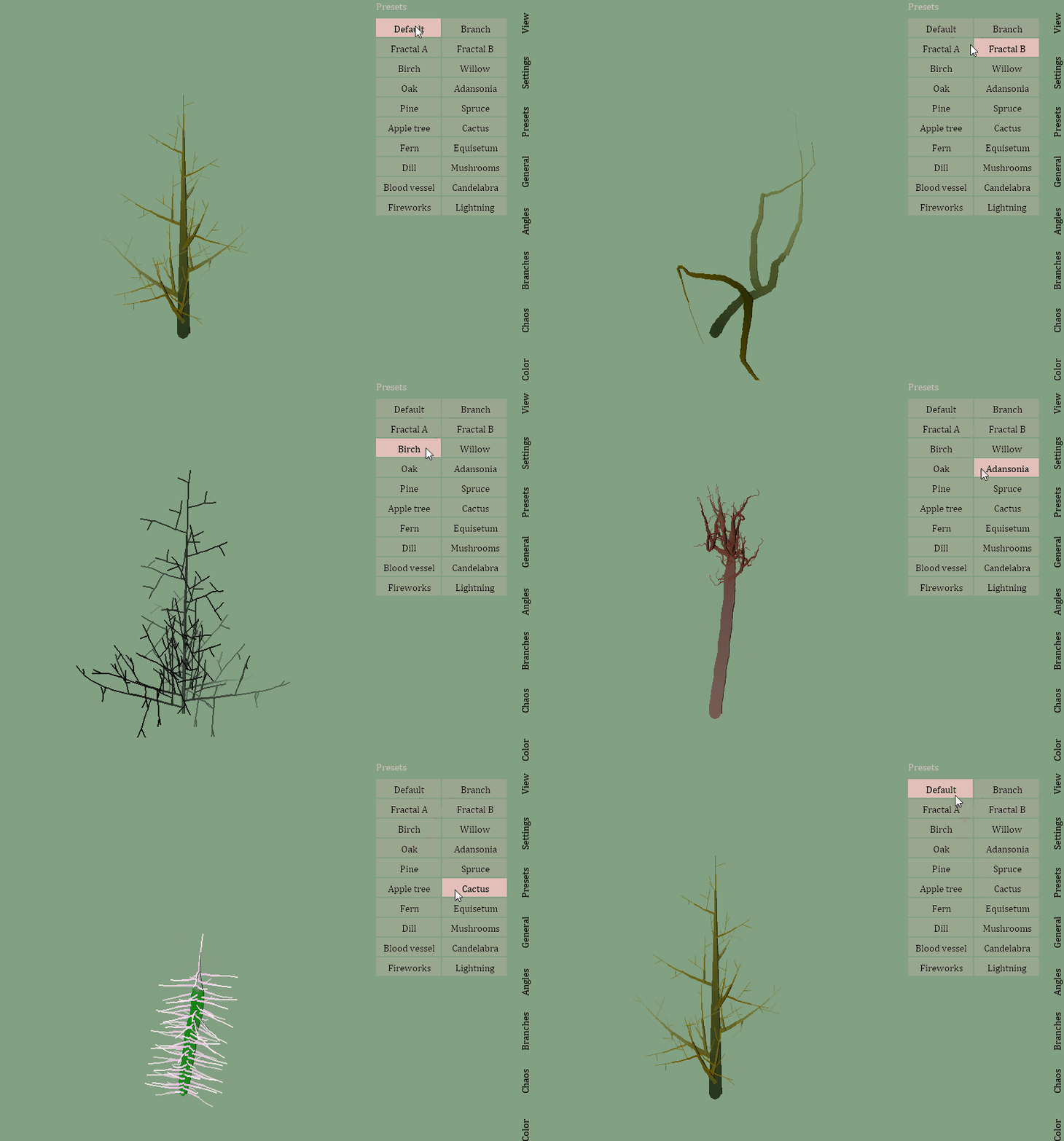
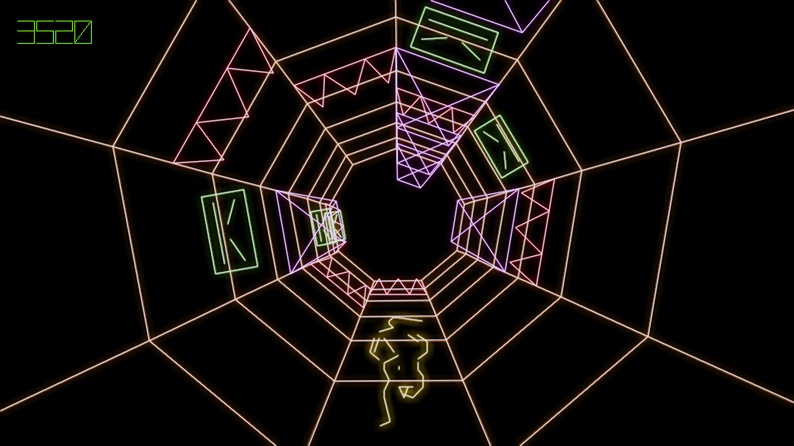
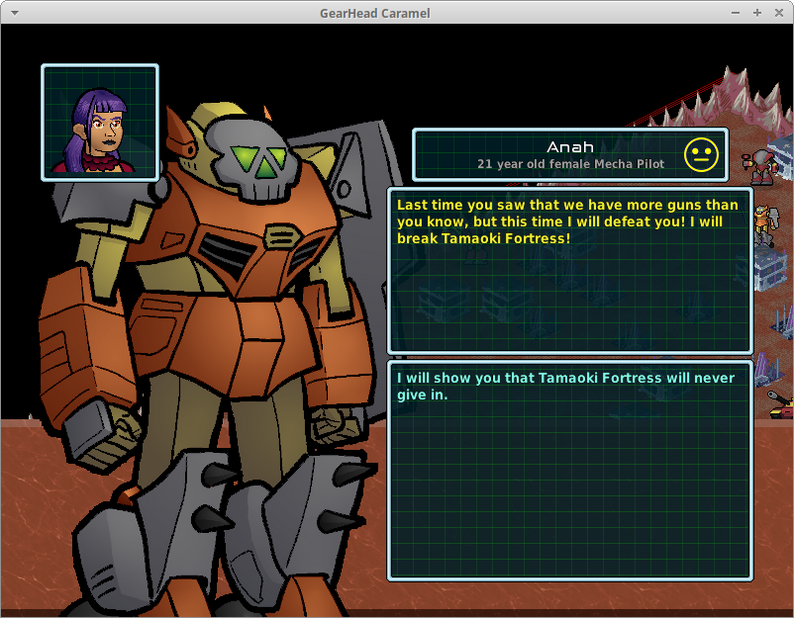
pygame is a Free and Open Source python programming language library for making multimedia applications like games built on top of the excellent SDL library. C, Python, Native, OpenGL.

Overview
pygame

AppVeyorBuild PyPiVersion PyPiLicense Python3 GithubCommits LGTMAlerts LGTMGradePython LGTMGradeC

pygame is a free and open-source cross-platform library for the development of multimedia applications like video games using Python. It uses the Simple DirectMedia Layer library and several other popular libraries to abstract the most common functions, making writing these programs a more intuitive task.

We need your help to make pygame the best it can be! New contributors are welcome.

Installation

pip install pygame

Help

If you are just getting started with pygame, you should be able to get started fairly quickly. Pygame comes with many tutorials and introductions. There is also full reference documentation for the entire library. Browse the documentation on the docs page.

The online documentation stays up to date with the development version of pygame on github. This may be a bit newer than the version of pygame you are using. To upgrade to the latest full release, run pip install pygame --upgrade in your terminal.

Best of all, the examples directory has many playable small programs which can get you started playing with the code right away.

Building From Source

If you want to use features that are currently in development, or you want to contribute to pygame, you will need to build pygame locally from its source code, rather than pip installing it.

Installing from source is fairly automated. The most work will involve compiling and installing all the pygame dependencies. Once that is done, run the setup.py script which will attempt to auto-configure, build, and install pygame.

Much more information about installing and compiling is available on the Compilation wiki page.

Credits

Thanks to everyone who has helped contribute to this library. Special thanks are also in order.

  • Marcus Von Appen: many changes, and fixes, 1.7.1+ freebsd maintainer
  • Lenard Lindstrom: the 1.8+ windows maintainer, many changes, and fixes
  • Brian Fisher for svn auto builder, bug tracker and many contributions
  • Rene Dudfield: many changes, and fixes, 1.7+ release manager/maintainer
  • Phil Hassey for his work on the pygame.org website
  • DR0ID for his work on the sprite module
  • Richard Goedeken for his smoothscale function
  • Ulf Ekström for his pixel perfect collision detection code
  • Pete Shinners: original author
  • David Clark for filling the right-hand-man position
  • Ed Boraas and Francis Irving: Debian packages
  • Maxim Sobolev: FreeBSD packaging
  • Bob Ippolito: MacOS and OS X porting (much work!)
  • Jan Ekhol, Ray Kelm, and Peter Nicolai: putting up with early design ideas
  • Nat Pryce for starting our unit tests
  • Dan Richter for documentation work
  • TheCorruptor for his incredible logos and graphics
  • Nicholas Dudfield: many test improvements
  • Alex Folkner for pygame-ctypes

Thanks to those sending in patches and fixes: Niki Spahiev, Gordon Tyler, Nathaniel Pryce, Dave Wallace, John Popplewell, Michael Urman, Andrew Straw, Michael Hudson, Ole Martin Bjoerndalen, Herve Cauwelier, James Mazer, Lalo Martins, Timothy Stranex, Chad Lester, Matthias Spiller, Bo Jangeborg, Dmitry Borisov, Campbell Barton, Diego Essaya, Eyal Lotem, Regis Desgroppes, Emmanuel Hainry, Randy Kaelber Matthew L Daniel, Nirav Patel, Forrest Voight, Charlie Nolan, Frankie Robertson, John Krukoff, Lorenz Quack, Nick Irvine, Michael George, Saul Spatz, Thomas Ibbotson, Tom Rothamel, Evan Kroske, Cambell Barton.

And our bug hunters above and beyond: Angus, Guillaume Proux, Frank Raiser, Austin Henry, Kaweh Kazemi, Arturo Aldama, Mike Mulcheck, Michael Benfield, David Lau

There's many more folks out there who've submitted helpful ideas, kept this project going, and basically made our life easier. Thanks!

Many thank you's for people making documentation comments, and adding to the pygame.org wiki.

Also many thanks for people creating games and putting them on the pygame.org website for others to learn from and enjoy.

Lots of thanks to James Paige for hosting the pygame bugzilla.

Also a big thanks to Roger Dingledine and the crew at SEUL.ORG for our excellent hosting.

Dependencies

Pygame is obviously strongly dependent on SDL and Python. It also links to and embeds several other smaller libraries. The font module relies on SDL_ttf, which is dependent on freetype. The mixer (and mixer.music) modules depend on SDL_mixer. The image module depends on SDL_image, which also can use libjpeg and libpng. The transform module has an embedded version of SDL_rotozoom for its own rotozoom function. The surfarray module requires the Python NumPy package for its multidimensional numeric arrays. Dependency versions:

  • CPython >= 3.6 or PyPy3
  • SDL >= 2.0.0
  • SDL_mixer >= 2.0.0
  • SDL_image >= 2.0.0
  • SDL_ttf >= 2.0.11
  • SDL_gfx (optional, vendored in)
  • NumPy >= 1.6.2 (optional)

License

This library is distributed under GNU LGPL version 2.1, which can be found in the file docs/LGPL.txt. We reserve the right to place future versions of this library under a different license.

This basically means you can use pygame in any project you want, but if you make any changes or additions to pygame itself, those must be released with a compatible license (preferably submitted back to the pygame project). Closed source and commercial games are fine.

The programs in the examples subdirectory are in the public domain.

See docs/licenses for licenses of dependencies.

Comments
  • Pygame 1.9.2 release

    Pygame 1.9.2 release

    Originally reported by: Lenard Lindstrom (Bitbucket: llindstrom, GitHub: llindstrom)


    Pygame 1.9.2 release TODO

    This issue is for coordinating the release of Pygame 1.9.2.

    Windows

    • Prebuilt libraries: ready for Win32, need Win64 builds.
    • Testing: Passes unit tests for Python 2.7 and Python 3.3/3.4

    Issue #75 - freetype module


    • Bitbucket: https://bitbucket.org/pygame/pygame/issue/107
    major 
    opened by illume 131
  • OS X wheels, dmg and .zip builds (with travis?)

    OS X wheels, dmg and .zip builds (with travis?)

    Edit: pygame 2 works nicely on Mac now.

    python3 -m pip install pygame
    

    For the best up to date install instructions see: https://www.pygame.org/wiki/GettingStarted


    Originally reported by: René Dudfield (Bitbucket: illume, GitHub: illume)


    In order to make builds for OSX and to do continuous integration on OSX we will use the travisci infrastructure.

    It currently supports 10.9, 10.10, and 10.11. Whilst pygame can still as of half a year ago compile on 10.4, it's hard to keep these machines accessible to people.

    Some notes:

    • https://github.com/travis-ci/travis-ci/issues/2312
    • https://docs.travis-ci.com/user/multi-os/
    • https://docs.travis-ci.com/user/osx-ci-environment/#Homebrew

    Most important is to get it building and running tests, and secondly to generate a .wheel for the latest OS X.


    • Bitbucket: https://bitbucket.org/pygame/pygame/issue/300
    enhancement packaging 
    opened by illume 108
  • Pygame not compatible with MacOS Mojave

    Pygame not compatible with MacOS Mojave

    Edit: pygame 2 works nicely with Mac now.

    Use python3 -m pip install pygame


    SDL discussion and bug report:

    • https://discourse.libsdl.org/t/macos-10-14-mojave-issues/25060/8
    • https://bugzilla.libsdl.org/show_bug.cgi?id=4274

    Homebrew issue is here: https://github.com/Homebrew/homebrew-core/issues/33016


    As discussed on this stackoverflow post, it seems that pygame is not compatible with MacOS Mojave, the latest version of MacOS.

    Information on tests done can be found on the post. It might be a conflict with the graphical overlay managing its new Dark Mode.

    opened by adam-hotait 71
  • Window does not get focus on OS X with Python 3

    Window does not get focus on OS X with Python 3

    Originally reported by: Ian McCowan (Bitbucket: valrus, GitHub: valrus)


    A pygame window created using the code below on OS X using the latest pygame source:

    #!python
    
    import pygame
    
    pygame.init()
    screen = pygame.display.set_mode((640, 480))
    
    done = False
    while not done:
        pygame.event.pump()
        keys = pygame.key.get_pressed()
        if keys[pygame.K_ESCAPE]:
            done = True
        if keys[pygame.K_SPACE]:
            print("got here")
        events = pygame.event.get()
        for event in events:
            if event.type == pygame.MOUSEBUTTONDOWN:
                print("mouse at ", event.pos)
    

    does not receive any keyboard input. It is not possible to trigger the "got here" message nor cause it to terminate using Escape; instead all keypresses show up in the terminal window from which the script was run. This happens even though the window appears to have focus.

    Additionally, based on the mouse event handling, the window exhibits some combination of the incorrect mouse behavior described in these two issues: #79/pygame-incompatible-with-osx-lion-trackpad #163/no-mouse-move-events-unless-mouse-button viz. all subsequent clicks register with the same position as the first one, and the only way to update its position is to click and drag to a new location.


    • Bitbucket: https://bitbucket.org/pygame/pygame/issue/203
    bug major 
    opened by illume 52
  • High CPU usage in pygame

    High CPU usage in pygame

    Originally reported by: Maksym Planeta (Bitbucket: mplaneta, GitHub: mplaneta)


    Hello,

    I have a following snippet of code:

    #!python
    
    
    pygame.init()
    import time
    time.sleep(50)


    When the scripts goes sleep, I observe high CPU utilization.

    I tracked this down to sound system, and when I add pygame.mixer.quit() after init, script utilizes CPU as expected. I figured out that pygame creates a new process, which eats up all the CPU and the backtrace of this thread looks as follows (this is how I pointed problem to sound mixer):

    (gdb) bt
    #0  0x00007f297504554d in poll () at ../sysdeps/unix/syscall-template.S:84
    #1  0x00007f295e16107e in ?? () from /usr/lib/x86_64-linux-gnu/libasound.so.2
    #2  0x00007f295e165fb8 in ?? () from /usr/lib/x86_64-linux-gnu/libasound.so.2
    #3  0x00007f295e1a60c8 in ?? () from /usr/lib/x86_64-linux-gnu/libasound.so.2
    #4  0x00007f29748c9fc5 in ALSA_PlayAudio (this=0x5633de70d990) at ./src/audio/alsa/SDL_alsa_audio.c:321
    #5  0x00007f297489ed90 in SDL_RunAudio ([email protected]=0x5633de70d990) at ./src/audio/SDL_audio.c:215
    #6  0x00007f29748a6f58 in SDL_RunThread (data=0x5633de686360) at ./src/thread/SDL_thread.c:204
    #7  0x00007f29748e79d9 in RunThread (data=<optimized out>) at ./src/thread/pthread/SDL_systhread.c:47
    #8  0x00007f2975e5a424 in start_thread (arg=0x7f295622e700) at pthread_create.c:333
    #9  0x00007f297504e9bf in clone () at ../sysdeps/unix/sysv/linux/x86_64/clone.S:105


    Python version: 3.5.3 libasound2 version: 1.1.3-4 (Debian testing)


    • Bitbucket: https://bitbucket.org/pygame/pygame/issue/331
    bug major 
    opened by illume 50
  • SDL 2: Per Pixel Alpha error.

    SDL 2: Per Pixel Alpha error.

    • [x] minimal working example to reproduce the issue
    • [x] write unit test(s) (see test_src_alpha_issue_1289) edit the file to unskip test, then python3 tests/surface_test.py -k test_src_alpha_issue_1289
    • [x] add usable BLEND_PREMULTIPLIED special_flag to blit & document.
    • [ ] find conditions for the (src_surf+dest_surf+blit opts) to use the new blit. (see test_src_alpha_issue_1289 to help debug this) inside pgSurface_Blit in surface.c (started... see below in this issue description)
    • [x] implement a more comprehensive test case with more example values and edge cases.
    • [ ] implement SDL1 compatible blitter for the specific case (similar to new BLEND_PREMULTIPLIED blitter) 'BLEND_SDL1_ALPHA'. This should be the default for backwards compatibility. Only with SSE2+ARM neon, not mmx (because 99.99% of x86 systems have SSE2 these days).
    • [ ] the SDL2 blitter should be available as 'BLEND_SDL2_ALPHA'
    • [ ] a function/option which makes 'BLEND_SDL2_ALPHA' the default.

    Blend mode formula SDL2: https://hg.libsdl.org/SDL/file/3b03741c0095/include/SDL_blendmode.h#l37

             SDL_BLENDMODE_BLEND = 0x00000001,    /**< alpha blending
                                                       dstRGB = (srcRGB * srcA) + (dstRGB * (1-srcA))
                                                       dstA = srcA + (dstA * (1-srcA)) */
    

    The BLEND_PREMULTIPLIED PRs for reference (the new blitter should be mostly the same as this)

    find conditions for the (src_surf+dest_surf+blit opts) to use the new blit.

    (see test_src_alpha_issue_1289 to help debug this) inside pgSurface_Blit in surface.c

    #if IS_SDLv1
            result = SDL_BlitSurface(src, srcrect, dst, dstrect);
    #else
            printf("meow1\n");
            printf("dst->format->BytesPerPixel:%i\n", dst->format->BytesPerPixel);
            printf("SDL_ISPIXELFORMAT_ALPHA(dst->format->format):%i\n", SDL_ISPIXELFORMAT_ALPHA(dst->format->format));
            printf("SDL_GetSurfaceAlphaMod(dst, &alpha) == 0:%i\n", SDL_GetSurfaceAlphaMod(dst, &alpha) == 0);
    
            printf("src->format->BytesPerPixel:%i\n", src->format->BytesPerPixel);
            printf("SDL_ISPIXELFORMAT_ALPHA(src->format->format):%i\n", SDL_ISPIXELFORMAT_ALPHA(src->format->format));
            printf("SDL_GetSurfaceAlphaMod(src, &alpha) == 0:%i\n", SDL_GetSurfaceAlphaMod(src, &alpha) == 0);
    
            if ((dst->format->BytesPerPixel == 4 && src->format->BytesPerPixel == 4) &&
                (SDL_ISPIXELFORMAT_ALPHA(dst->format->format) || SDL_GetSurfaceAlphaMod(dst, &alpha) == 0) &&
                (SDL_ISPIXELFORMAT_ALPHA(src->format->format) || SDL_GetSurfaceAlphaMod(src, &alpha) == 0)
              ) {
              printf("meow3 -> do special blit for SDL1 compat.");
            }
    
            result = SDL_BlitSurface(src, srcrect, dst, dstrect);
    
    #endif /* IS_SDLv2 */
    

    Images with alpha that are only white blit as grey. I am trying to lighten the screen but it is darkening it instead Screenshot (8) Screenshot (9)

    Related Docs: https://www.pygame.org/docs/ref/surface.html#pygame.Surface.blit

    Submodule: Surface critical Difficulty: Hard 
    opened by Pololot64 46
  • Allow image_frombuffer to understand cairos premultiplied ARGB32

    Allow image_frombuffer to understand cairos premultiplied ARGB32

    It would be good if image_frombuffer could understand pycairos premultiplied ARGB32 format, currently it seems impossible to use, as pygame is doing some byteswapping and it's not obvious how to enable alpha premultiplication.

    In detail:

    @hanysz found an interesting issue using pycairo to create surfaces for pygame https://github.com/pygobject/pycairo/issues/247

    Cairos ARGB32 format stores ARGB starting in the high byte, with alpha premultiplied.

    The docs make it look like image_frombuffer should be able to handle this format, but unfortunately there is some undesired byteswapping happening.

    The implementation calls SDL_CreateRGBSurfaceFrom, which looks like it could be given the right parameters to understand the format.

    @hanysz test prog creates an image in cairo, rendering text in red, green and blue and renders in pygame - but only the "red" text is output, in blue:

    image

    The feature request:

    Possibly this needs a new format: native endian RGBA32 with alpha premultiplication, or maybe it's a matter of providing a method of disabling the byteswapping.

    enhancement Submodule: image 
    opened by stuaxo 45
  • pygame 1.9.4 release

    pygame 1.9.4 release

    Please leave a comment if you have done some testing, and what you tested.

    • [x] go through the issue tracker, and pull requests to include as much as we can.
    • [x] announce intention to release on mailing list.
    • [x] look at distro bug trackers for bugs, and patches (debian, fedora, etc).
      • [x] address debian issues
      • [x] look through ubuntu issues
      • [x] fedora issues
    • [x] docs are building and ok.
    • [x] make raspberry wheels: https://github.com/bennuttall/piwheels/issues/52
    • [x] ~~high cpu sound issue~~ issue identified, reported upstream https://github.com/pygame/pygame/issues/331
    • [ ] timidity config paths issue https://github.com/pygame/pygame/issues/343
    • [x] Two source alpha, issues
    • [x] add a thank you note to website for people who made commits in this release.
    • [x] manual testing on linux
    • [x] manual testing on mac
    • [x] manual testing on windows
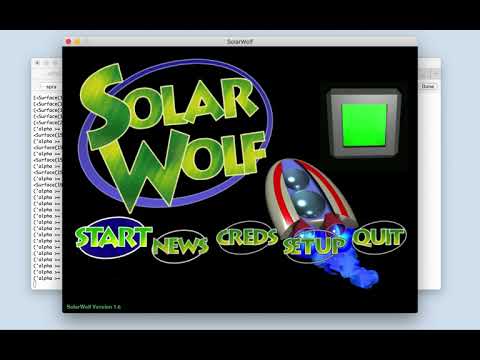
    • [x] run a few old games you know to see if things work (solar wolf, zanthor, ...).
    • [x] prepare the release notes (aka, WHATSNEW).
    • [x] skip known pypy failing tests on pypy.
    • [x] add python 3.7 builds on
      • [x] appveyor (windows py3.7 builds)
      • [x] travisci (mac, linux py3.7 builds)
    • [x] prepare website news post.
    • [x] improve 'contribute' web page.
    • [x] release candidate, post to mailing list, give people a week.
    • [ ] pre-release wheels, dev builds, release candidates. https://github.com/pygame/pygame/issues/409
    • [x] ask for people to test from test.pypi.org
    • [x] upload release wheels, and source to pypi.
    • [x] upload source release to pygame.org/ftp
    • [x] update downloads.shtml page on the website with new source release.
    • [x] announce on pygame website news section.
    • [x] announce on mailing lists (pygame-users, python announce).
    • [x] announce on pygame reddit.
    • [x] announce on pygame twitter.
    • [x] announce on https://discourse.libsdl.org/
    • [x] announce on https://ldjam.com/
    • [x] announce on https://www.raspberrypi.org forum
    opened by illume 34
  • homebrew on Leopard fails to install

    homebrew on Leopard fails to install

    Originally reported by: René Dudfield (Bitbucket: illume, GitHub: illume)


    There is a report of homebrew failing to install on OS X Leopard.

    Following the directions at this url there is an error: http://www.daskrachen.com/2011/03/installing-pygame-using-homebrew.html


    • Bitbucket: https://bitbucket.org/pygame/pygame/issue/82
    bug major 
    opened by illume 34
  • Building error with macOS Big Sur (11.0.1)

    Building error with macOS Big Sur (11.0.1)

    Environment: OS : macOS Big Sur 11.0.1 Build (20B29) Pygame : 2.0.0 Python : 3.9, tried also with 3.8

    Current behavior: Build error when installing from pip3

    Steps to reproduce:

    1. sudo pip3 install pygame

    Stack trace/error output/other error logs

    sudo pip3.9 install pygame             
    WARNING: The directory '/Users/chris/Library/Caches/pip' or its parent directory is not owned or is not writable by the current user. The cache has been disabled. Check the permissions and owner of that directory. If executing pip with sudo, you may want sudo's -H flag.
    Collecting pygame
      Downloading pygame-2.0.0.tar.gz (5.5 MB)
         |████████████████████████████████| 5.5 MB 4.0 MB/s 
        ERROR: Command errored out with exit status 1:
         command: /usr/local/opt/[email protected]/bin/python3.9 -c 'import sys, setuptools, tokenize; sys.argv[0] = '"'"'/private/tmp/pip-install-3y9r_p_g/pygame/setup.py'"'"'; __file__='"'"'/private/tmp/pip-install-3y9r_p_g/pygame/setup.py'"'"';f=getattr(tokenize, '"'"'open'"'"', open)(__file__);code=f.read().replace('"'"'\r\n'"'"', '"'"'\n'"'"');f.close();exec(compile(code, __file__, '"'"'exec'"'"'))' egg_info --egg-base /private/tmp/pip-pip-egg-info-hxgx9bow
             cwd: /private/tmp/pip-install-3y9r_p_g/pygame/
        Complete output (27 lines):
        
        
        WARNING, No "Setup" File Exists, Running "buildconfig/config.py"
        Using Darwin configuration...
        
        /bin/sh: sdl2-config: command not found
        /bin/sh: sdl2-config: command not found
        /bin/sh: sdl2-config: command not found
        Traceback (most recent call last):
          File "<string>", line 1, in <module>
          File "/private/tmp/pip-install-3y9r_p_g/pygame/setup.py", line 318, in <module>
            buildconfig.config.main(AUTO_CONFIG)
          File "/private/tmp/pip-install-3y9r_p_g/pygame/buildconfig/config.py", line 221, in main
            deps = CFG.main(**kwds)
          File "/private/tmp/pip-install-3y9r_p_g/pygame/buildconfig/config_darwin.py", line 131, in main
            [DependencyProg('SDL', 'SDL_CONFIG', 'sdl2-config', '2.0', ['sdl'])],
          File "/private/tmp/pip-install-3y9r_p_g/pygame/buildconfig/config_unix.py", line 39, in __init__
            self.ver = config[0].strip()
        IndexError: list index out of range
        
        ---
        For help with compilation see:
            https://www.pygame.org/wiki/MacCompile
        To contribute to pygame development see:
            https://www.pygame.org/contribute.html
        ---
        
        ----------------------------------------
    ERROR: Command errored out with exit status 1: python setup.py egg_info Check the logs for full command output.
    

    Does someone else have this problem ?

    I've tried installing SDL2 with homebrew, and I got another error but It still don't want to build it. So yeah there is bug when building it.

    bug Platform: MacOS 
    opened by Bodanor 32
  • Fix logos page

    Fix logos page

    This PR should fix issue #2851.

    logos.html page has been rewrited in RST format with introduction of @novialriptide low res pygame logo. Reference to LGPL.txt file in index is also fixed.

    Please tell me if I missed some other unavailable pages, @ankith26 you were the one spotting the issue with LGPL, do you see something else?

    bug docs Code quality/robustness buildconfig 
    opened by Grimmys 30
  • pygame.transform.blur

    pygame.transform.blur

    pygame.transform.blur(surface: pygame.Surface, kernel_size: int) -> pygame.Surface
    

    pretty self explanatory allows you to blur an image, passing in an (optional?) kernel size for the blur

    enhancement 
    opened by ScriptLineStudios 0
  • Replace `SDL_GetTicks` with `SDL_GetTicks64` in `time.c`

    Replace `SDL_GetTicks` with `SDL_GetTicks64` in `time.c`

    This is to solve the issue of 32-bit overflow every ~49 days (surely an edge case but still) as described here: https://wiki.libsdl.org/SDL2/SDL_GetTicks It is also recommended there that SDL_GetTicks64 should be used due to this reason.

    I suppose this wouldn't break backwards compatibility since the public API wouldn't change, I don't know what are the current supported SDL versions though since SDL_GetTicks64 was introduced in SDL version 2.0.18.

    enhancement Submodule: time 
    opened by Matiiss 3
  • Improve `pygame.sprite.AbstractGroup` by preferring `self.spritedict` over `self.sprites()` where possible

    Improve `pygame.sprite.AbstractGroup` by preferring `self.spritedict` over `self.sprites()` where possible

    Here is an example from the original issue idea:

    Currently __len__ first calls sprites method and gets the length of that, https://github.com/pygame/pygame/blob/c353bd74f2dfffac660837f0ebfb15390c319146/src_py/sprite.py#L601-L609

    however, sprites() simply converts spritedict to a list https://github.com/pygame/pygame/blob/c353bd74f2dfffac660837f0ebfb15390c319146/src_py/sprite.py#L364-L375

    This could be bypassed and __len__ method could simply

    return len(self.spritedict)
    

    Essentially, this could be done everywhere where it uses self.sprites(), change it to use self.spritedict since converting to a list first adds a bit of an overhead.

    enhancement 
    opened by Matiiss 1
  • Port SDL_mixer metadata functionality

    Port SDL_mixer metadata functionality

    SDL_mixer 2.6 introduces some new metadata getter features for music.

    See: https://wiki.libsdl.org/SDL_mixer/Mix_GetMusicAlbumTag https://wiki.libsdl.org/SDL_mixer/Mix_GetMusicArtistTag https://wiki.libsdl.org/SDL_mixer/Mix_GetMusicCopyrightTag https://wiki.libsdl.org/SDL_mixer/Mix_GetMusicTitle || https://wiki.libsdl.org/SDL_mixer/Mix_GetMusicTitleTag

    I believe we're on SDL_mixer 2.6 on our platforms, so this functionality could be cool to see. Imagine writing a music player and getting this sort of metadata from the actual files, rather than having to store them someplace else.

    These could be ported as individual functions, or maybe they be one ~get_metadata function.

    enhancement Submodule: mixer.music 
    opened by Starbuck5 1
Releases(2.1.3.dev8)
Owner
pygame
Pygame is a library for digital arts, games, music, making, and a community around such things.
pygame
A quantum version of Ladders and Snakes

QPath-and-Snakes A quantum version of Ladders and Snakes Desarrollo Para continuar el desarrollo sin pensar en instalación de dependencias: Descargue

2 Oct 22, 2021
A python3 project for generating WorldEdit shematics for the MineClone2 game for Minetest from images.

MineClone2 MapArt This is a python3 project you can use with the MineClone2 game for Minetest. This project take an image and output a WorldEdit shema

3 Jan 06, 2023
Open source Board Games Like Tic Tac Toe, Connect 4, Ludo, Snakes and Ladder etc...

Board-Games What to do... Add Board games like Tic Tac Toe, Connect 4, Ludo, Snakes and Ladder etc... How to do... Fork the repo Clone the repo git cl

Bit By Bit 1 Oct 10, 2022
Exposè for i3 WM. Fork of https://gitlab.com/d.reis/i3expo to fix crashes and improve features/usability

Overwiew Expo is an simple and straightforward way to get a visual impression of all your current virtual desktops that many compositing window manage

137 Nov 03, 2022
Chess game for 2 players with UI

2-D Chess for 2 players Overview This is a simple 2D Chess game for 2 players using pygame library. Requirements To be able to run this game, you must

7 Apr 06, 2022
OpenGL experiments with Pygame & ModernGL

pygame-opengl OpenGL experiments with Pygame & ModernGL TODO Skybox & Reflections Post-process effects (motion blur, color correction, etc..) Normal m

Kadir Aksoy 4 Oct 28, 2022
A Minecraft clone written in python and pyglet.

PyCraft A Minecraft clone written in python and pyglet. Running PyCraft To run PyCraft, run the following code: git clone https://github.com/TheWebCra

The WebCrafters 17 Dec 29, 2022
Wordle Solver: A simple script which is also called Wordle solver

wordle-solver this code is a simple script which is also called Wordle solver. t

amirreza 1 Feb 15, 2022
Simple car game written in PyGame

Welcome to CarGame 👋 Car Game written in PyGame! NOTE: This is still new and there may be stuff broken... 🏠 Homepage Install install pygame by typin

John 1 Oct 29, 2021
A small Python Library to process Game Boy Camera images

GameBEye GameBEye is a Python Library to process Game Boy Camera images. Source code 📁 : https://github.com/mtouzot/GameBEye Issues 🆘 : https://gith

Martin TOUZOT 4 Nov 25, 2022
Track your favorite minecraft servers' (too bee too tee) queue at any time at your own convenience!

2b2t Queue Monitor Track your favorite minecraft servers' (too bee too tee) queue at any time at your own convenience! Compiled Usage go to https://gi

Addi 1 Feb 05, 2022
PyChess - a chess client for Linux/Windows

PyChess - a free chess client for Linux/Windows The mission of PyChess is to create a free, pleasant, PyGObject based chess game for the Linux desktop

559 Dec 28, 2022
WORDLE Helper and Solver

WORDLE Helper and Solver There is a pupular game around WORDLE The game could be hard for non-English speaking people so I started to think of a helpe

1 Jan 24, 2022
Wordle is a word game reminiscent of mastermind

Wordle is a word game reminiscent of mastermind. The player tries to guess a five letter word within six attempts. After each attempt, hints are given. Green tiles show that the letter is in the righ

Sidharth Anand 1 Feb 09, 2022
The original Tetris tile-matching game as adopted by IBM PC.

🕹️ Tetris Game The original Tetris tile-matching game as adopted by IBM PC. Game developed purely on python using the Dear PyGui Framework. 📖 Instru

14 Nov 12, 2022
A module for use with Pygame. Includes fully customisable buttons, textboxes, sliders and many more, as well as the ability to create and run animations on these widgets.

Pygame Widgets A helper module for common widgets that may be required in developing applications with Pygame. It supports fully customisable buttons,

37 Jan 02, 2023
A Pygame Hangman Game coded in Python 3. Run Hangman.py in a terminal if you have Python 3

Hangman A Pygame Hangman Game coded in Python 3. Run python3 Hangman.py in a terminal if you have Python 3.

1 Dec 24, 2022
ReplitTD - Replit Tower Defense Game

IMPORTANT: I mean no offense at all in this game, this is only based off of cycl

kokomi simp :3 3 Jun 25, 2022
QuizGame is a quiz with different topics. You can choose a topic and take the quiz

QuizGame is a quiz with different topics. You can choose a topic and take the quiz. In the end you will get your result. The program is under active development, so there may be errors or flaws in it

Lev Likhachev 2 Nov 12, 2021
This is simple minesweeper-like Telegram game

This is simple minesweeper-like Telegram game. You need to open all "free" squares and put flags on squares with bombs on them. If you open a cell with a bomb, the game is over.

Aleksandr 32 Dec 31, 2022